
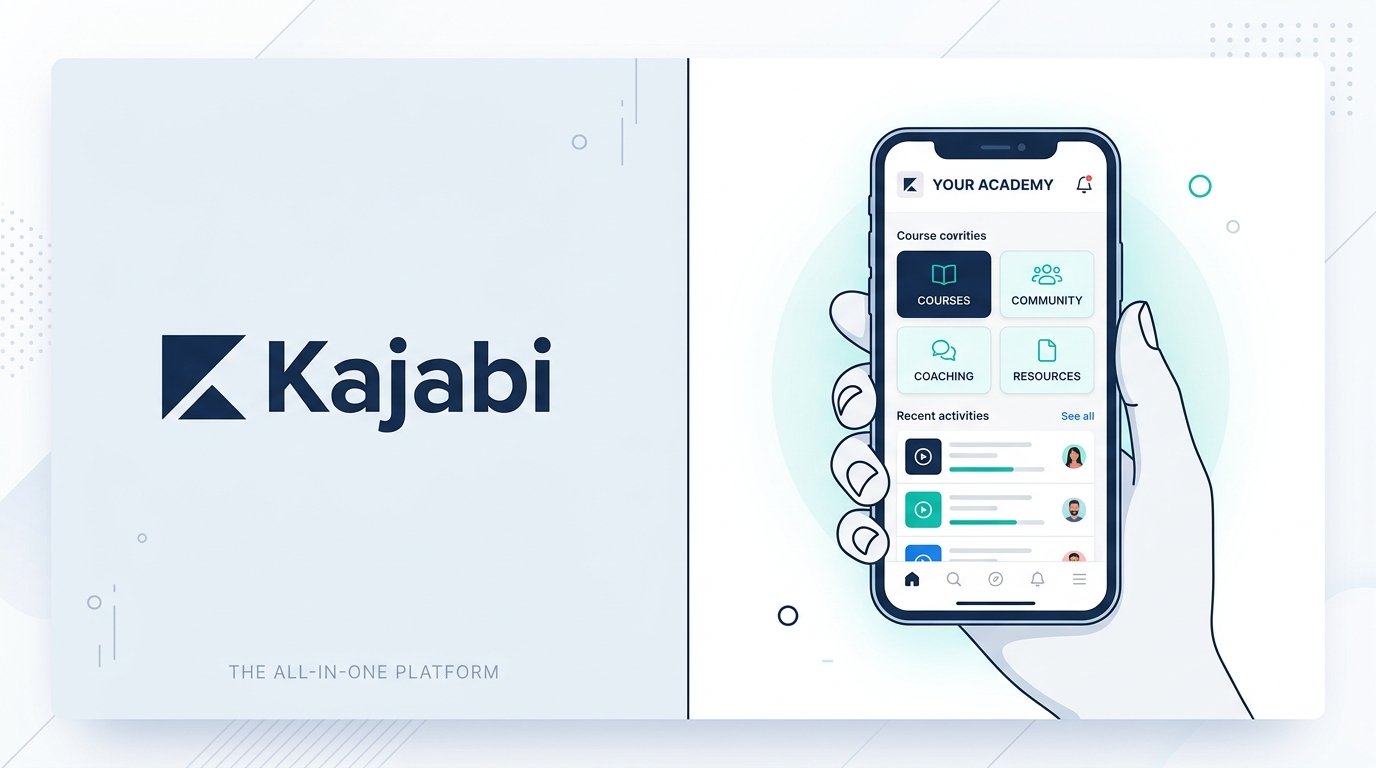
Kajabi is a premium, all-in-one platform built for knowledge entrepreneurs, course creators, coaches, and digital publishers. Instead of stitching together separate services for video hosting, email marketing, sales funnels, checkout carts, and online communities, Kajabi consolidates your entire digital business into a single dashboard.
While its higher starting price requires a significant investment compared to entry-level course platforms, its built-in marketing pipelines, automated workflows, and unified ecosystem reduce technical overhead for established creators.
This updated review breaks down Kajabi’s performance, key features, exact pricing tiers, fee structures, pros and cons, and top alternatives to help you decide if it fits your publishing strategy.
On this page
Quick Verdict
| Overall Rating | ⭐ 4.6 / 5.0 |
| Best For | Established course creators, coaches, and knowledge businesses wanting an integrated marketing and product engine |
| Starting Price | $179/month billed monthly ($143/month billed annually) |
| Free Trial | 14-day free trial |
| Core Features | Online courses, coaching programs, podcasts, email automations, sales pipelines, page builder, community spaces |
| E-commerce & Fees | Integrated checkout via Kajabi Payments, Stripe, and PayPal. 0% platform commission on Kajabi Payments and PayPal (standard processing fees apply, plus +0.7% on recurring subscriptions and +1.5% on international cards). Third-party Stripe incurs a 0.5%–2% platform surcharge. |
| Mobile App | Native Kajabi mobile app for members (iOS & Android); custom Branded App included at no extra cost on the Pro plan or available as an optional $199/month add-on for Basic & Growth plans. |
Pros & Cons
Pros
- Unified Business Infrastructure: Combines web hosting, landing pages, email marketing, course delivery, checkout carts, and communities under one login.
- No Platform Commission via Kajabi Payments: Keeping payment processing within Kajabi Payments or PayPal avoids percentage-based platform sales commissions.
- Wistia Video Hosting Included: Partners with Wistia to provide video hosting across products and landing pages at no extra charge.
- Automated Sales Pipelines: Pre-built marketing sequences (lead magnets, product launches, webinars) connect pages, emails, and offers seamlessly.
- Native & Custom Mobile App Support: Students stream lessons and join community discussions via the free Kajabi app, while Pro members get their own custom Branded App bundled in.
Cons
- High Entry Cost: Starting at $143/month (billed annually), it is a major financial commitment for creators who are just getting started.
- Platform Surcharges on External Stripe Accounts: Using your own Stripe account instead of Kajabi Payments adds a 2% (Basic), 1% (Growth), or 0.5% (Pro) platform fee.
- Strict Contact Caps on Entry Tier: The Basic plan’s limit of 2,500 contacts can fill up quickly during aggressive lead-generation campaigns.
- Custom Code Gated to Pro:The Custom Code Editor is available on the Pro plan. ($399/mo billed annually).
Ready to try Kajabi ?
Who Should Use Kajabi?
Choose Kajabi if:
- You run an established knowledge business and want to eliminate technical friction by managing courses, emails, funnels, and products in one platform.
- You sell higher-priced courses, group coaching programs, masterminds, or recurring memberships.
- You want automated sales funnels, upsells, and trigger-based email sequences without managing multiple third-party plugins.
- You want an integrated affiliate program to empower partners to promote your products (available on Growth and Pro plans).
Look Elsewhere if:
- You are testing your very first low-cost digital download or validating an initial course topic on a tight budget (consider platforms like Teachable or Podia).
- You already maintain a fully customized WordPress site with established LMS plugins and only need a standalone checkout tool.
- You operate a dedicated e-commerce storefront focused on physical inventory (consider Shopify).
Key Features
1. Digital Product & Course Builder
Kajabi allows you to build and host online courses, membership portals, coaching programs, digital downloads, and podcasts within a single system.
- Course Content Management: Upload video content directly to Kajabi, which partners with Wistia to host video across your products at no additional cost. Lessons can be organized into modules and submodules alongside text, downloadable files, and quizzes.
- Content Dripping & Quizzes: Schedule lesson releases over time to regulate student pace, or require students to complete or pass quizzes before unlocking subsequent course modules.
- Coaching & Podcasts: Manage coaching sessions using Kajabi’s internal Scheduler and client notes, and publish public or private podcasts via RSS feeds directly to supported podcast directories.
2. Pipelines & Sales Funnels
Kajabi’s Pipelines act as pre-configured marketing blueprints that connect landing pages, opt-in forms, automated email sequences, and checkout offers into a single conversion path.
- Blueprint Templates: Select pre-built funnels for lead magnet delivery, product launches, or automated webinars.
- Upsells & Order Bumps: Configure post-purchase upsells and order bumps directly within individual Offer settings to increase average order value at checkout.
3. Email Marketing & Automations
Kajabi includes a native email marketing system, replacing the need for standalone email service providers for most creators.
- Visual Automation: Build automated email drip sequences, broadcast newsletters, and trigger-based workflows activated by customer actions, purchases, tag additions, or course progress.
- Audience Segmentation: Filter contacts by purchased products, engagement activity, custom fields, and tags to deliver targeted messages.
4. Website & Landing Page Builder
Kajabi features a visual section-and-block editor for creating your primary website, sales pages, blog posts, and lead-capture forms.
Responsive Templates: Choose from templates tailored for conversion, digital product showcases, and lead generation.
Custom Domains & Branding: Connect your custom domain name (e.g., yourbrand.com) and customize global fonts and brand color palettes.
While Kajabi’s builder is great for digital product sales pages, if you only need a standalone site without course hosting, check out our guide to the best website builders.
5. Native Community & Mobile App
Kajabi includes integrated community features that allow you to host member discussions alongside your digital products.
- Community Spaces: Create member discussions, comments, engagement spaces, and challenge feeds within your membership portal.
- Mobile App Access: Members can download the native Kajabi mobile app on iOS and Android to stream course videos, listen to podcasts, and participate in community discussions.
- Custom Branded App Option: Creators on Basic and Growth plans can purchase Kajabi’s Branded App add-on for $199/month to get a white-labeled app in the Apple App Store and Google Play Store. On the Pro plan, the Branded Mobile App is included at no extra cost.
Pricing
Kajabi offers three primary subscription tiers with options for monthly or annual billing. Annual billing provides a 20% discount.
Basic Plan
- Monthly: $179/month
- Annual: $143/month ($1,716 billed annually)
- Includes: 1 website, 1 community, 5 published digital products, 2,500 contacts, 1,000 active members, and 2 admin users. Includes landing pages, email broadcasts, and basic automations.
Growth Plan (Most Popular)
- Monthly: $249/month
- Annual: $199/month ($2,388 billed annually)
- Includes: 1 website, 1 community, 50 published digital products, 25,000 contacts, 10,000 active members, and 11 admin users. Unlocks advanced automations, native affiliate programs, removal of Kajabi branding, and additional business features.
Pro Plan
- Monthly: $499/month
- Annual: $399/month ($4,788 billed annually)
- Includes: 3 websites, 3 communities, unlimited published products, 100,000 contacts, 20,000 active members, and 26 admin users. Unlocks the Custom Code Editor and includes the custom Branded Mobile App at no extra cost.
Understanding E-commerce Fees
External Stripe Accounts: If you choose to connect your own standalone Stripe account instead of using Kajabi Payments, Kajabi assesses a platform surcharge based on your plan: 2% on Basic, 1% on Growth, and 0.5% on Pro.
Kajabi Payments & PayPal: Kajabi does not charge a platform sales commission when transactions are processed through Kajabi Payments or PayPal. Kajabi Payments processing rates vary by plan; for US entities, the listed card rates are 2.9% + $0.30 on Basic, 2.8% + $0.30 on Growth, and 2.7% + $0.30 on Pro. Additional processing fees may apply depending on the payment method, country, or transaction type.
Looking for other choices? See our top picks for the Best Course Platforms for Creators
Top Alternatives
Teachable: A dedicated course builder featuring a Starter plan ($29/month billed annually) with a 7.5% platform transaction fee, making it a lower-cost option to test and validate a first course before upgrading to a fee-free tier.
Podia: An easy-to-use digital storefront platform that handles courses, downloads, and webinars with a lower starting price point.
Circle: A community-first platform tailored for creators who prioritize deep community discussion boards, live events, and organized member spaces over traditional course funnels.
Final Verdict
Kajabi is a robust, all-in-one platform for knowledge creators who want an integrated system for courses, marketing, payment processing, websites, and community interaction. Managing emails, checkout pages, video hosting, and member accounts under a single login removes significant technical complexity.
Its primary drawback is cost. Starting at $143/month (billed annually), Kajabi makes the most financial sense for established creators and knowledge businesses that can fully utilize its funnel automations and broader feature set, rather than beginners testing a first digital product.
FAQ
Does Kajabi charge transaction fees on sales? Kajabi does not charge platform sales commissions when processing transactions through Kajabi Payments or PayPal. Kajabi Payments processing fees apply and vary by plan, payment method, country, and transaction type. Connecting an external Stripe account incurs a platform surcharge of 2% on Basic, 1% on Growth, or 0.5% on Pro
Does Kajabi offer a free trial? Yes. Kajabi provides a standard 14-day free trial that gives you access to platform features, course creation tools, and page editors without upfront commitment.
Can I connect my custom domain name to Kajabi? Yes. You can connect your custom domain (e.g., [www.yourdomain.com](https://www.yourdomain.com)) to your Kajabi site across all subscription tiers.
How does the mobile app work for students? Students can download the official Kajabi app on iOS and Android to stream course lessons, access coaching materials, listen to podcasts, and engage in community feeds. If you are on the Pro plan, you get your own white-labeled Branded Mobile App included at no extra charge; on Basic and Growth plans, the Branded App is available as an optional $199/month add-on.
Disclosure: StackDrawer is reader-supported. If you purchase through certain links on this site, we may earn an affiliate commission at no additional cost to you. Learn more in our Affiliate Disclosure.