
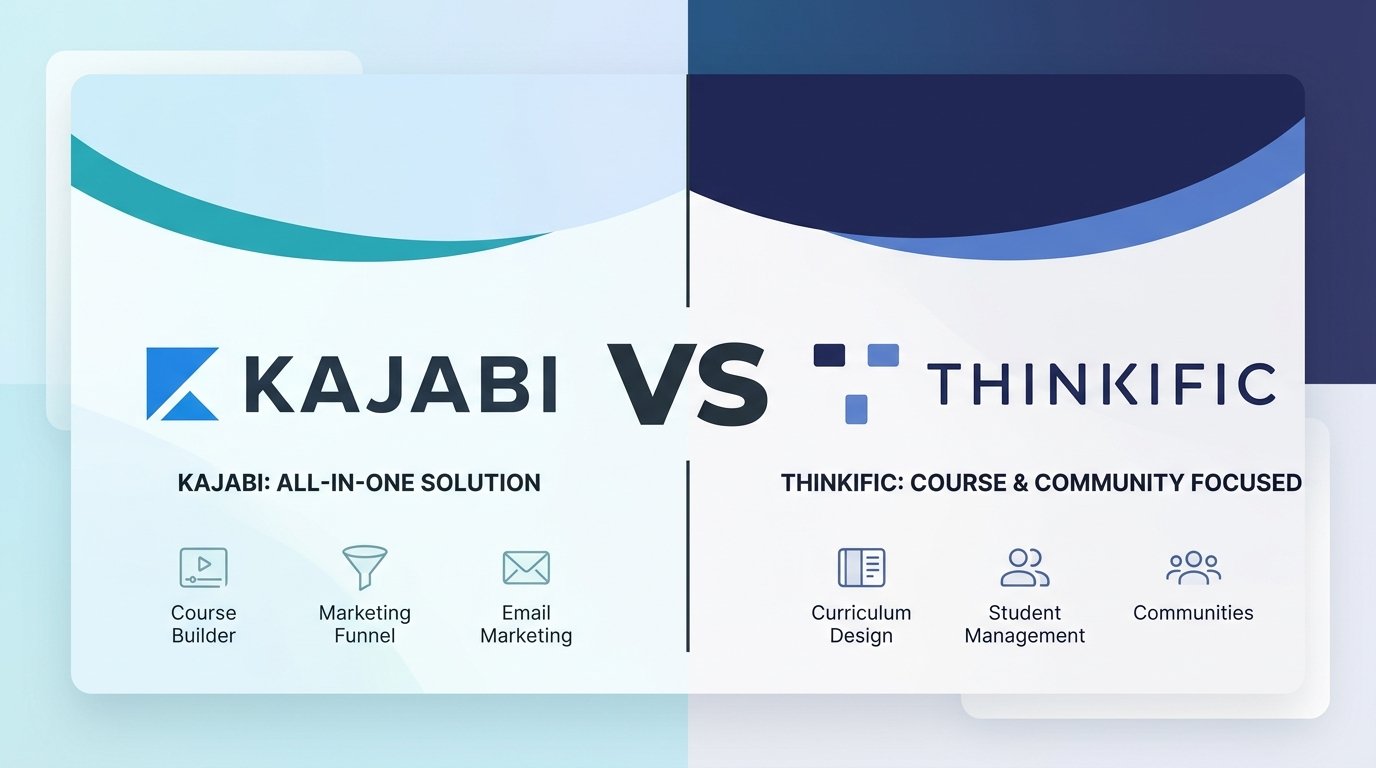
Kajabi and Thinkific take two different approaches to selling courses online. Kajabi is a complete, all-in-one business platform built to replace your email provider, funnel builder, website host, and course software. Thinkific is a dedicated, highly customizable course and membership platform built to deliver strong learning experiences while connecting to whatever marketing stack you already use.
On this page
Quick Summary
| Kajabi | Thinkific | |
|---|---|---|
| Primary Focus | All-in-One Business Platform | Dedicated course & membership platform |
| Starting Price (Annual) | $143/mo (Basic) | $40/mo (Basic) |
| Best For | Creators who want everything under one roof | Course creators wanting dedicated teaching tools |
| Free Trial | 14 days (or 30 days via special promo) | 30 days on paid plans |
| Transaction Fees | 0% platform commission via Kajabi Payments/PayPal (external Stripe adds a 2%/1%/0.5% surcharge by plan) | 0% via Thinkific Payments (external Stripe adds a 5%/2%/1% surcharge by plan) |
| Sales Tax | Calculates and collects at checkout; you file and remit it yourself | Auto-remits US/Canada sales tax for you; UK/EU VAT is calculated but you remit it yourself |
| Email Marketing | Built-in (Broadcasts, Sequences, Automations) | Built-in Email Automation (sales sequences, broadcasts, abandoned cart) — full marketing still needs an external tool |
| Sales Funnels | Native funnel builder (Pipelines) | Basic checkout pages (Requires external funnel tool) |
| Communities | Built-in interactive community spaces | Built-in interactive community spaces & posts |
| Course & Student Caps | Basic: 5 products/2,500 contacts. Growth: 50/25,000. Pro: unlimited/100,000 | Unlimited courses on every plan. 10,000 current students on Basic/Start/Grow, custom capacity on Plus |
| Custom Domain | Included on all plans | Included on all plans |
Quick Recommendation:
Choose Kajabi if you want a single login to run your entire business — email marketing, sales funnels, course delivery, and landing pages — without stitching together separate subscriptions.
Choose Thinkific if you want maximum control over course design and student assessment, and don’t mind pairing it with a dedicated email tool like Kit or ActiveCampaign.
Feature Comparison
1. Course Builder & Student Experience
Kajabi organizes content around “Products.” Inside a product, you build out Modules and sub-lessons. The course player is modern and mobile-friendly out of the box, with several customizable themes. Kajabi also includes free built-in podcast hosting (via Wistia), coaching products with calendar scheduling, and digital downloads.
Thinkific was built with more instructional depth in mind. It supports assignments, quizzes, survey lessons, and PDF viewers natively, and handles completion certificates, lesson prerequisites, and compliance tracking (requiring a student to finish one lesson before unlocking the next) more thoroughly than Kajabi does. Certificates, assignments, and course bundles unlock starting on the Start plan.
Kajabi is the better fit if you sell a mix of courses, coaching, podcasts, and downloads. Thinkific is the better fit if you need rigorous student evaluation and compliance tracking.
2. Website Building & Customization
Kajabi includes a block-based website builder with templates for homepages, sales pages, blog posts, and checkout screens — countdown timers, video embeds, pricing cards, and opt-in forms all drop in easily.
Thinkific offers a modular, section-based site builder too, but its real advantage is code access: HTML and CSS editing is available starting on the Start plan (not Basic), letting you build a genuinely custom frontend if you need one.
Kajabi leans toward marketing-ready templates that convert visitors quickly. Thinkific leans toward design flexibility for creators who want full control.
3. Marketing, Sales Funnels & Email Automation
This is where the two platforms diverge the most.
Kajabi is built around conversion. Its native funnel builder, Pipelines, connects opt-in pages, automated email sequences, webinar landing pages, and checkout offer bumps into a single workflow. Kajabi’s email system can replace tools like ConvertKit or Mailchimp for most creators, letting you tag contacts by purchase history, video watch time, or quiz answers.
Thinkific includes a built-in Email Automation feature, but it’s narrower than Kajabi’s system: a fixed sales-flow sequence, one-time broadcast emails to your existing students and leads, and abandoned-cart recovery — plus standard transactional notifications. There’s no newsletter tool, audience segmentation, or visual automation builder. For ongoing campaigns to grow your list beyond people already in Thinkific, you’ll still want an external tool like Kit, Mailchimp, or ActiveCampaign (Thinkific has direct integrations for all of these).
Kajabi cuts down on the number of separate marketing subscriptions you need. Thinkific covers the basics but expects you to bring your own email platform for serious list-building.
4. Communities & Memberships
Kajabi includes an integrated community space with discussion feeds (“Circles”), live meetups, challenges, and gamification elements like leaderboards. Members can access it from desktop or Kajabi’s mobile app.
Thinkific includes native Communities with topic-based “Spaces,” letting you organize discussions, run live events over Zoom, and charge recurring membership fees. Communities are included on every plan — Basic and Start each get one community, while Grow steps up to three, with more Spaces available at each tier.
Kajabi offers a more app-centric, gamified community experience. Thinkific offers a cleaner, more structured discussion environment tied directly to your courses.
Pricing Comparison
Kajabi Pricing
Kajabi’s current standard lineup is Basic, Growth, and Pro.
- Basic ($143/mo billed annually, $179/mo monthly): 5 products, 2,500 contacts, 1,000 active members, 1 website, 1 community, 2 admin users, unlimited marketing emails and landing pages.
- Growth ($199/mo billed annually, $249/mo monthly): 50 products, 25,000 contacts, 10,000 active members, 11 admin users, affiliate program, advanced automations, branding removal, 24/7 support.
- Pro ($399/mo billed annually, $499/mo monthly): Unlimited products, 100,000 contacts, 20,000 active members, 3 websites, 3 communities, 26 admin users, Custom Code Editor, and a free custom Branded Mobile App (available as a $199/mo add-on on Basic and Growth).
On transaction fees: Kajabi Payments and PayPal carry 0% platform commission. For U.S. entities, Kajabi Payments lists card-processing rates of 2.9% + $0.30 on Basic, 2.8% + $0.30 on Growth, and 2.7% + $0.30 on Pro. Using another eligible third-party payment provider adds a platform fee of 2% on Basic, 1% on Growth, or 0.5% on Pro; PayPal and Kajabi Payments are excluded from this fee
On tax: Kajabi Sales Tax automatically calculates and collects applicable sales tax at checkout, but it does not file or remit that tax for you — you’re responsible for that part yourself, or you can connect a third-party tool.
Thinkific Pricing
- Basic ($40/mo billed annually, $54/mo monthly): Unlimited courses, 1 community (5 spaces), up to 5 digital downloads, custom domain, abandoned-cart emails, coupons. No memberships, bundles, certificates, or payment plans.
- Start ($82/mo billed annually, $109/mo monthly): Everything in Basic, plus unlimited digital downloads, live cohorts and coaching (Zoom integration), completion certificates, assignments, course bundles, payment plans, memberships, and HTML/CSS editing.
- Grow ($164/mo billed annually, $219/mo monthly): Everything in Start, plus 3 communities, full removal of Thinkific branding, group/B2B orders, advanced analytics, and phone support.
- Plus (custom pricing): Unlimited communities, SCORM compliance, single sign-on, custom SLA, and a dedicated customer success manager, for larger organizations.
On transaction fees: Thinkific Payments carries 0% platform surcharge. Creators in the U.S., Canada, UK, and EU who use Stripe instead of Thinkific Payments pay a 5% surcharge on Basic, 2% on Start, or 1% on Grow, applied to the first $1 million in annual sales. Thinkific Payments does not charge this third-party gateway surcharge.
On tax: Thinkific’s built-in Sales Tax and VAT Solution handles US and Canadian sales tax fully — it automatically calculates, collects, and remits it on your behalf, and you can’t opt out. For UK and EU VAT, it’s more limited: Thinkific calculates the tax and pays the collected amount to you as part of your payout, but remitting it to tax authorities is still on you. Either way, there’s a 0.5% fee on every taxed transaction (US, Canada, UK, or EU), even when the calculated tax rate comes out to 0%.
Looking for other choices? See our top picks for the Best Course Platforms for Creators
Which Should you Choose?
Choose Kajabi if:
- You want to consolidate your tech stack and stop paying for separate email, funnel, and landing page tools.
- You want built-in sales funnels and automated email sequences tied to what students actually do.
- You sell a mix of courses, coaching, podcasts, and memberships.
Choose Thinkific if:
- You already use an email marketing tool and don’t want to replace it.
- Your priority is educational depth — assignments, compliance tracking, and certificates.
- You want a lower entry price and unlimited course publishing, with a listed limit of 10,000 current students on the standard Basic, Start, and Grow plans.
Final Verdict
Kajabi is the stronger pick for creators who want one platform running their entire business. It costs more to start, but it replaces enough separate software subscriptions that the gap often shrinks in practice.
Thinkific is the stronger pick for course creators who care most about teaching tools, site customization, and keeping their existing marketing stack. It’s the cheaper way in, provided you’re comfortable connecting outside tools for full email marketing.
Disclosure: StackDrawer is reader-supported. If you purchase through certain links on this site, we may earn an affiliate commission at no additional cost to you. Learn more in our Affiliate Disclosure.